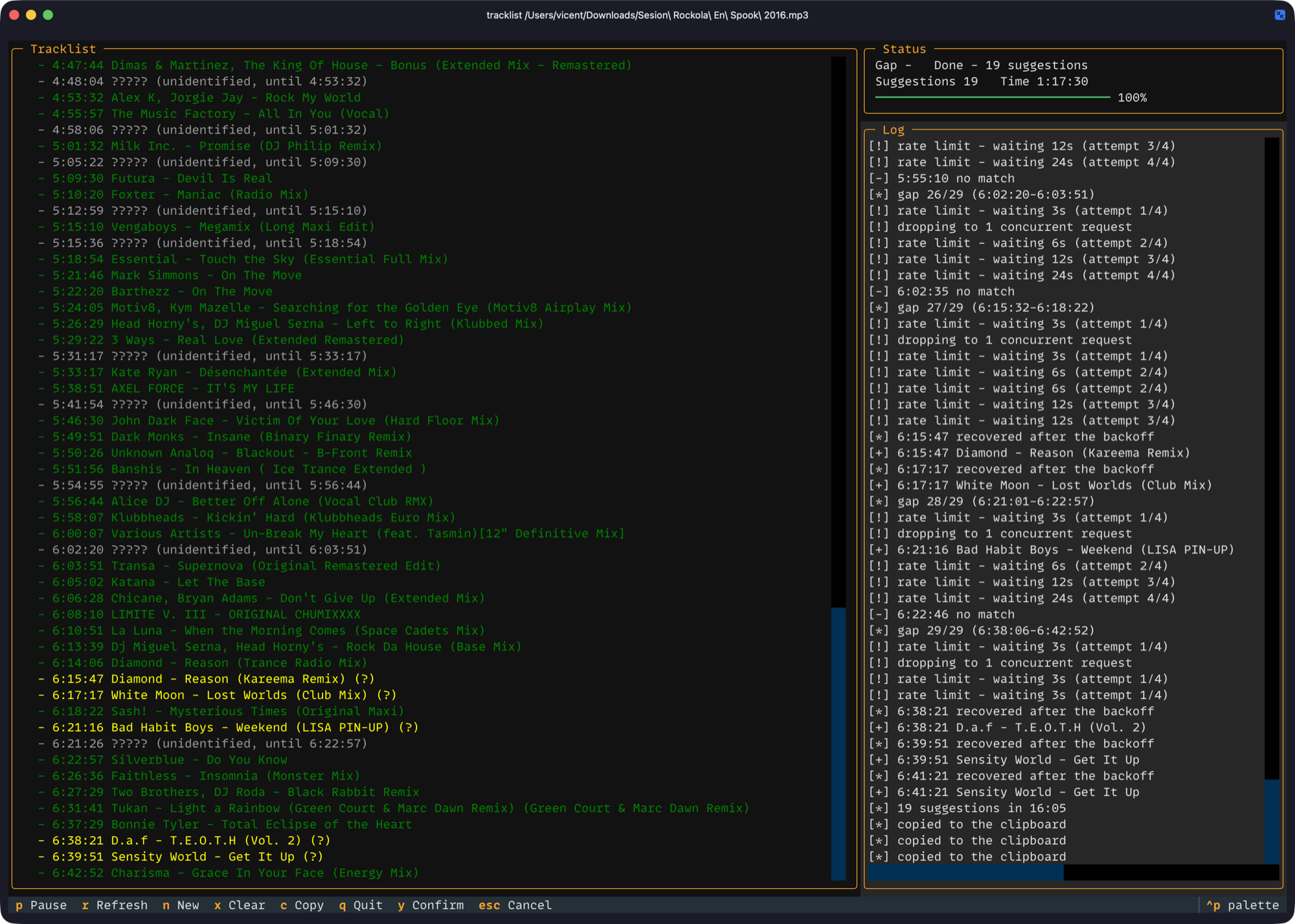
Sunday Session — Live Mix
https://www.youtube.com/watch?v=XXXXXXXXXXX

  - 00:00 Artist One - First Track
  - 04:12 Artist Two - Second Track (?)
  - 09:30 ????? (unidentified, until 12:05)
  - 12:05 Artist Three - Third Track

2 identified, 1 suggested, 1 gaps (02:35 unidentified of 15:40)
How it works
01Content ID claims.
When a video contains copyrighted music, YouTube's Content ID attaches a claim to it with the song, artist, label and the exact position in the video. tracklist reads these claims from YouTube Studio using your browser's YouTube session, so you never have to copy cookies or a cURL command by hand.
02Your video or someone else's.
Studio only shows claims for videos on your own channel. For your video, the claims are read straight away. For someone else's, tracklist downloads the audio with yt-dlp, uploads it as a private video to your channel, waits for Content ID to finish (up to an hour) and reads the claims of that copy. A local audio file is converted to a video with ffmpeg and uploaded the same way.
03Shazam for the gaps.
Any stretch of 90 seconds or more without a claim is sampled every 90 seconds and recognised with Shazam. Shazam matches are marked with (?). Whatever stays unidentified is listed as ????? with its time range.
04Fallback.
For a YouTube URL, if nothing can be uploaded, tracklist scans the whole video with Shazam alone. A local file has no video to fall back on, so with the upload quota used up tracklist stops.
05Cleanup.
At the end it offers to delete the private copy it uploaded.
Progress is cached, so an interrupted analysis resumes where it stopped.
Install
macOS. Open Terminal, paste this line and press Enter. It installs Homebrew if you don't have it, then everything tracklist needs:
To update, run tracklist update. Once a day, when you open tracklist, it checks GitHub for a newer version and prints a one-line reminder if there is one (it never updates by itself; offline, it skips the check).